Drag-and-drop order
Reorder categories and products by dragging them. No page reloads.
One panel for the menu your guests read, the QR codes on your tables, the screen on your wall and the sheet you print.
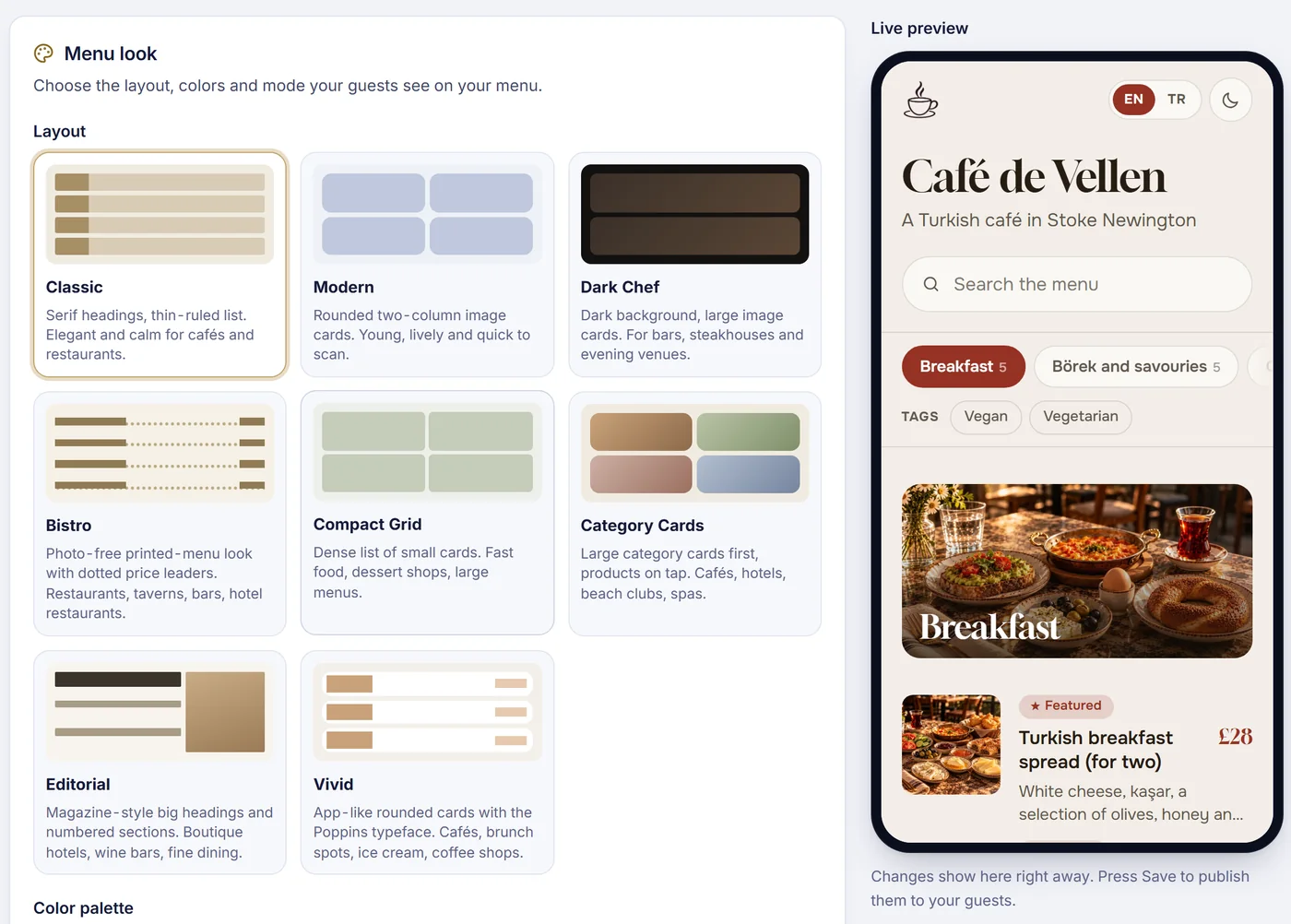
Eight ready-made layouts, from a calm classic list to a dark chef style, with colour palettes on top. A live preview shows exactly what guests will see before you save.
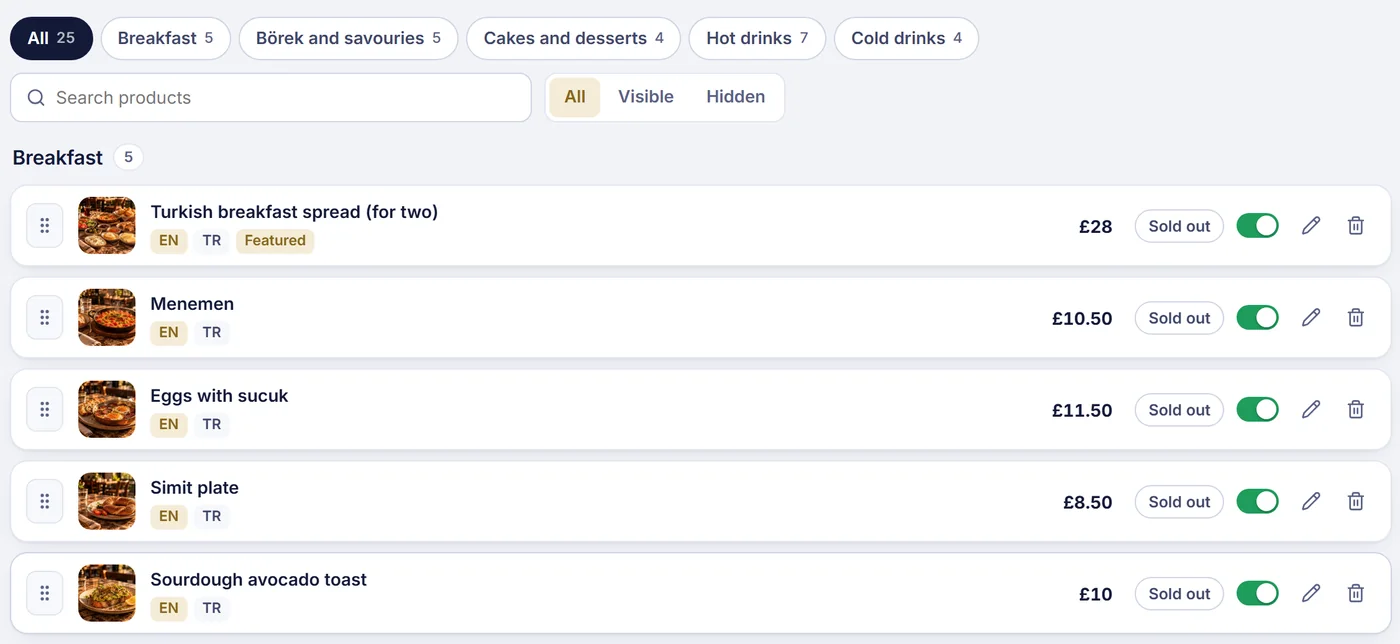
Photos, prices, languages and badges in one list. Drag a product to reorder it, hide it for a while, or mark it sold out with one tap.
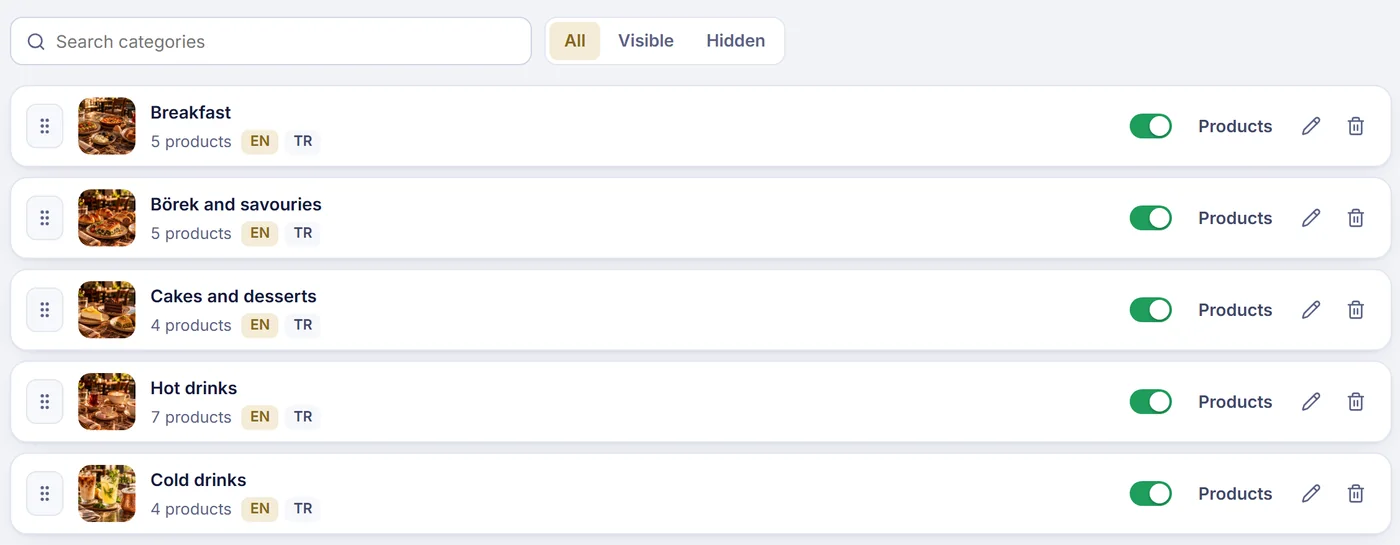
Give each category a cover photo and its own translations, then show or hide it whenever you like.
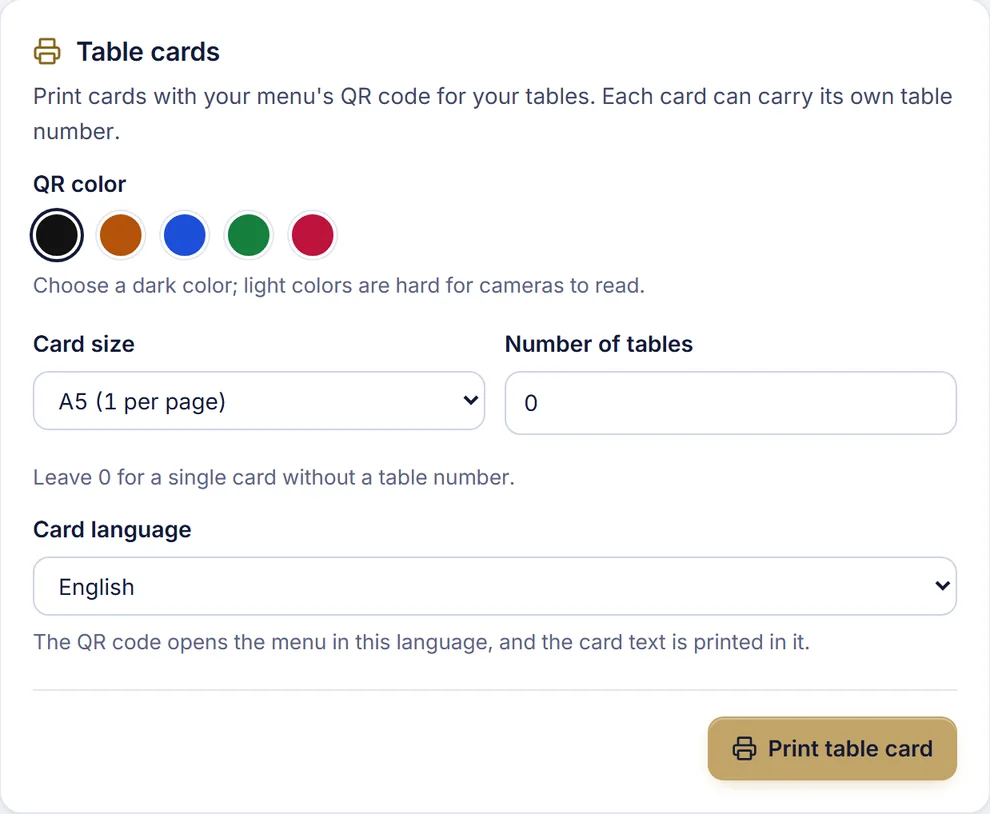
Choose a QR colour and card size, number your tables, and print. The same QR works on every card.
Reorder categories and products by dragging them. No page reloads.
Moving from a spreadsheet? Import products in bulk instead of typing them again.
Pick a theme and palette, add your logo, and the menu feels like your place.
Run the panel in the language your team prefers: English, German, French, Spanish, Italian, Russian or Turkish.
See the guest view of your menu while you edit it.
Business details, languages, currency and appearance together.
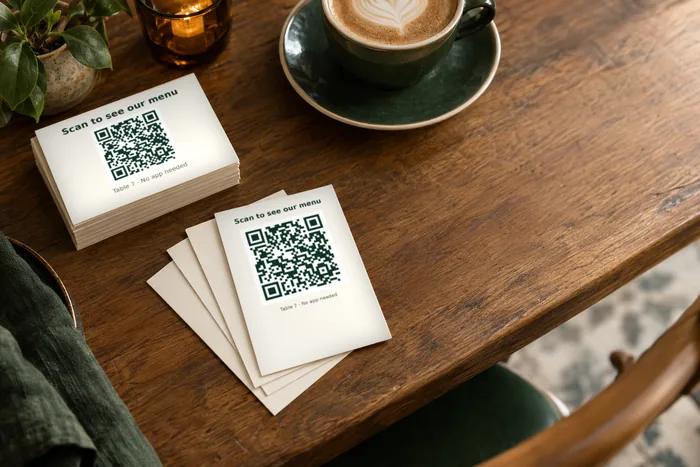
Download your QR code and print table cards that open your menu on any phone.
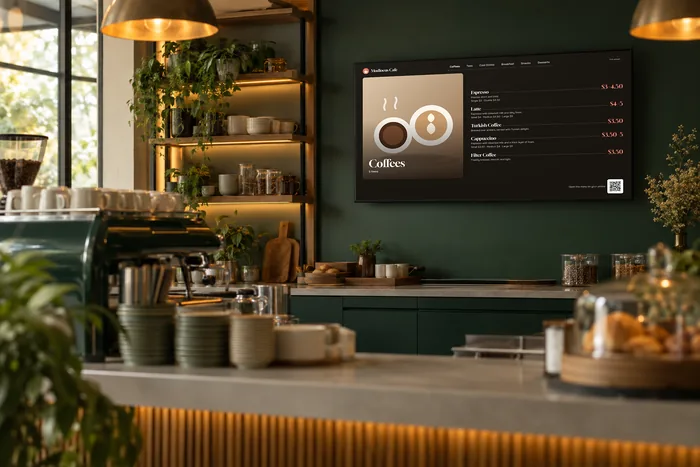
Show your menu on a TV or tablet. It turns by itself and follows every change you make. Pro adds up to 5 screens.
Clean A4 menu sheets for guests who still like paper, always matching the digital menu.
Add a few products, print your first QR code and put it on a table. Free for 14 days, no credit card needed.